
6 Stagehand alternatives for browser automation in 2026

If you're looking for Stagehand alternatives, you probably want an AI browser agent that:
- Works natively with Python scripts.
- Can navigate and scrape complex websites efficiently.
- Stays reliable as your workload grows from a few runs to thousands of browser jobs.
That's the kind of workflow I built Skyvern for (Skyvern CEO here).
I know, I know, Skyvern CEO's recommending Skyvern as a good alternative.
Please just stay with me for a second here.
Yes, Skyvern is a good Stagehand alternative. It's built for browser automation specifically for business workflows, where the people maintaining the automation are not necessarily developers.
So if your use-case is automating business workflows, I genuinely think it's one of the best Stagehand alternatives because this is what we do best and what we have been building in the past 4 years!
Don't take my word for it, try us for free.
Now back to the guide. I will walk you though 6 Stagehand alternatives that all do similar things in the browser automation space and are all good in their own way.
But first, a quick reminder on Stagehand.
What is Stagehand and How Does It Work?
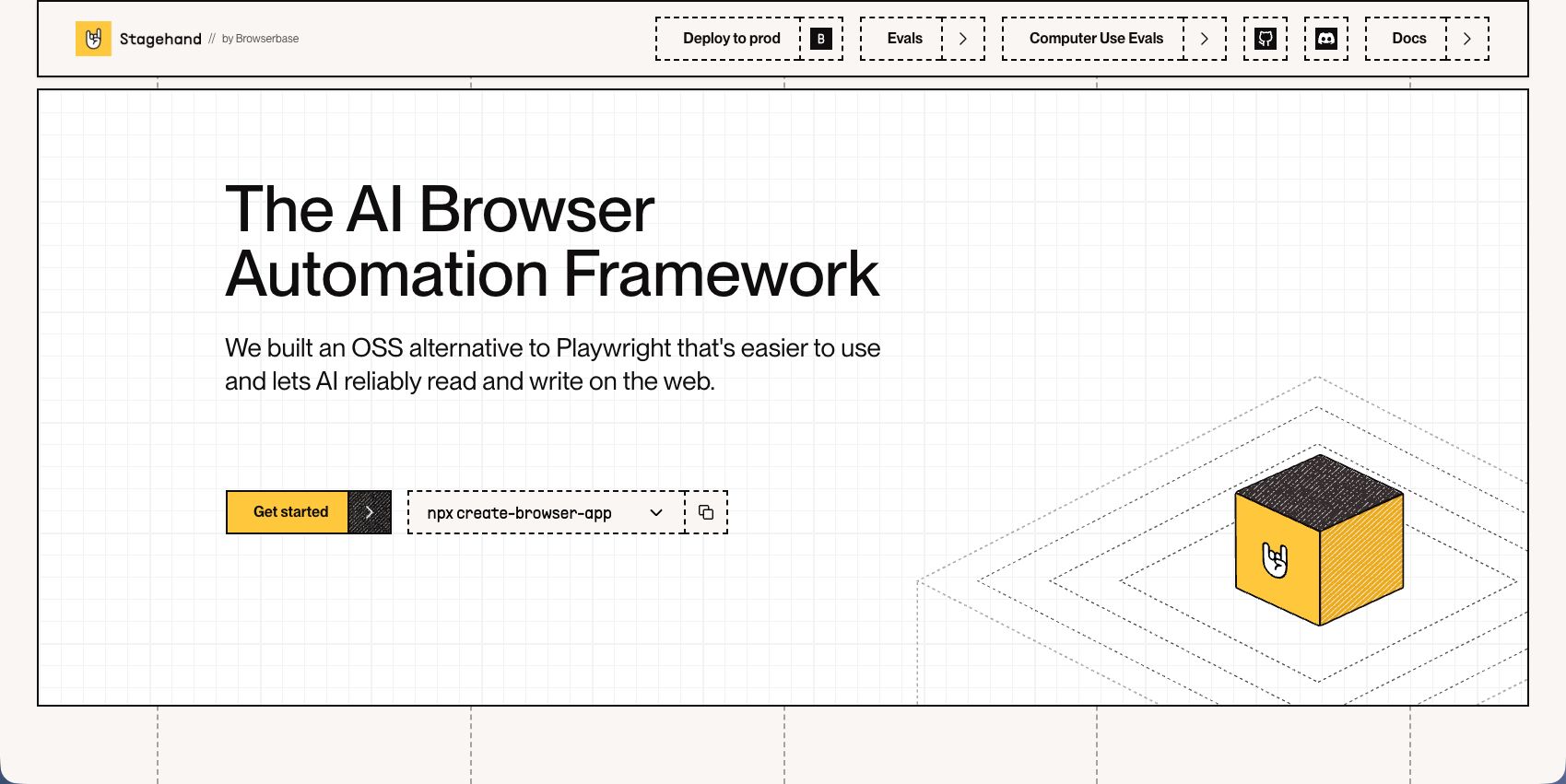
Stagehand is a browser automation framework built on top of Playwright that adds natural language control to web automation scripts. It lets developers write instructions describing what they want to accomplish instead of managing brittle CSS selectors.
The framework provides three AI methods for automation workflows. The act method handles interactions like clicking and form filling through natural language. The extract method pulls specific data from pages based on text instructions. The observe method locates elements and gathers page state information without manual selectors.
Stagehand includes auto-caching and self-healing to reduce repeated LLM calls. After the framework learns how to interact with a site, it caches those actions and runs them without LLM inference. When website layouts change, the system detects the difference and reinvokes the AI to adapt the script. This targets the common issue where automation breaks after website redesigns.
6 Stagehand alternatives
| Tool | Language or interface | What it is | Best fit | License or billing model |
|---|---|---|---|---|
| Skyvern | Python, TypeScript, API, visual builder | Browser agent and workflow platform | Recurring portal work, forms, files, and extraction | AGPL-3.0 self-hosting, free or paid Cloud |
| Browser Use | Python library, Cloud API | Agent framework and managed agent API | Autonomous web agents inside an application | MIT library or metered Cloud |
| Playwright | JS/TypeScript, Python, Java, .NET | Browser automation library and test runner | Regression testing and known browser paths | Apache-2.0, plus your infrastructure |
| Passmark | TypeScript with Playwright Test | AI testing library for Playwright Test | AI-assisted regression suites | FSL-1.1-ALv2, plus models and infrastructure |
| AgentQL | Python and JavaScript SDKs, API | Data and element query service with SDKs | Structured data extraction in existing scripts | Query service billed by plan and usage |
| Agent-Browser | CLI for an external agent | Browser CLI controlled by another agent | Browser access for an agent you already use | Apache-2.0, plus agent and browser costs |
| Keep Stagehand | TypeScript, Python, Go | SDK combining code with selective AI | Hybrid browser automation that already works | MIT SDK, plus models and infrastructure |
1. Skyvern
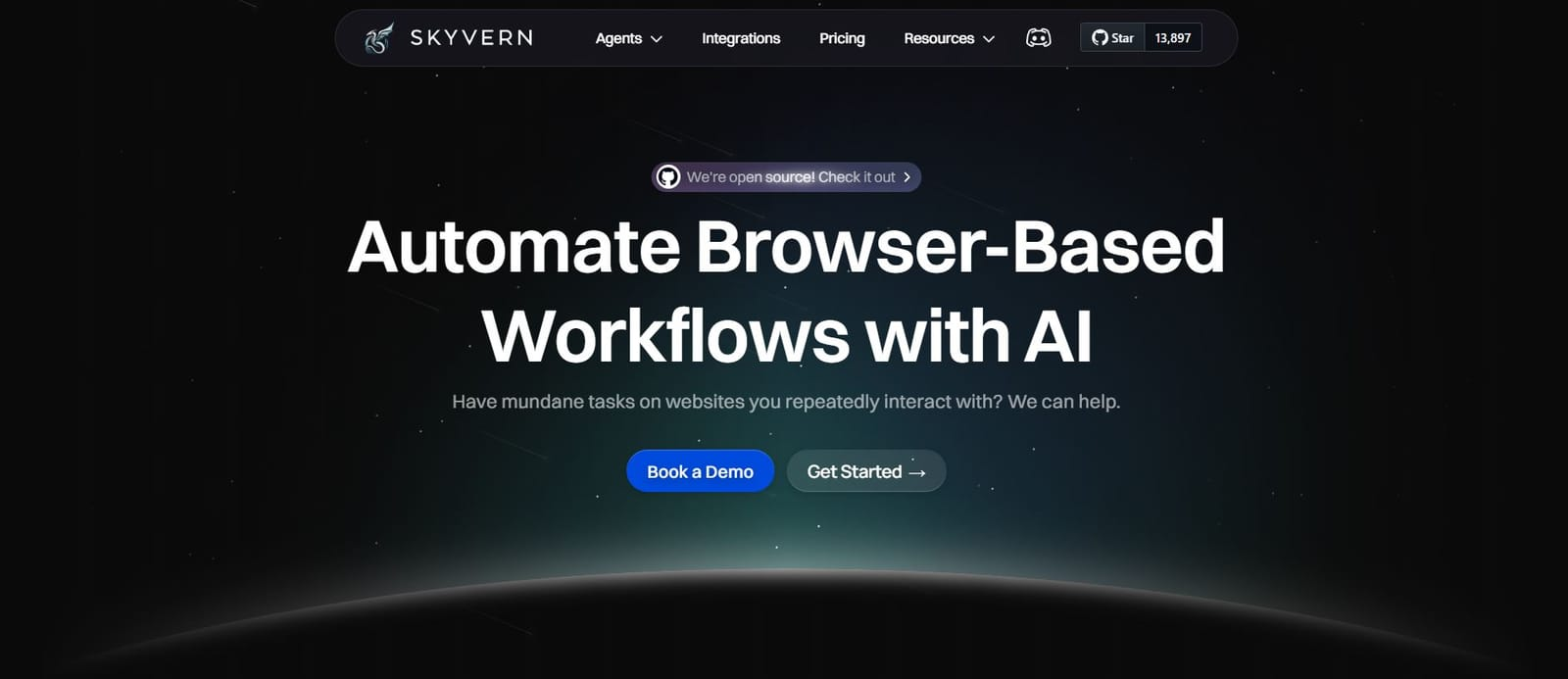
Skyvern gives you a Python-based browser agent that can work through unfamiliar pages, fill forms, and extract data.
You can keep the parts of a script that already work and add AI where a page needs interpretation. Or give it a task and let the agent handle the steps.
We built it for the work that gets awkward as browser automation grows: changing layouts, repeated logins, files to collect, and jobs that need to run without someone watching each one. Skyvern combines computer vision with page information to find the right action. If a selector fails, you can have it fall back to an AI instruction instead of immediately rewriting the script.
For larger workloads, Cloud runs jobs in parallel, with 25 concurrent runs on Pro and 100 on Enterprise. You also get run history and failure details to investigate the jobs that need attention. The SDK and server are open source, so you can inspect the code and run them in your own environment.
Skyvern also handles the useful bits around the browser task:
- Recurring schedules and cron jobs, with a timezone and a preview of upcoming runs.
- Credential management and saved browser profiles, so you can reuse a login while the site's session remains valid.
- File uploads and downloads, with cloud storage for passing the results to another system.
- CAPTCHA solving and managed proxies in Cloud to help with bot detection. Pro and Enterprise include residential proxies without a separate per-GB proxy charge.
- Session recording, so you can watch what happened when a run needs debugging.
- Code caching that replays successful task sequences or agent blocks as scripts, with AI fallback when a page change breaks the cached code.
(Read more about these features in our docs!)
How to switch from Stagehand to Skyvern
If you like writing code, have your coding agent build a Playwright script and use Skyvern's AI methods for the parts that vary between pages. Ordinary browser actions can stay deterministic.
If you'd rather describe the task, try something like “Open the top story on Hacker News and return its top comment.” Specify the fields you want back, such as the author, text, and comment URL. Skyvern can return structured data in that shape, and the visual builder can help generate the schema.
The quickstart walks you through it, or you can try a task in Skyvern Cloud.
Skyvern pricing
Skyvern Cloud has a free plan with 5,000 credits. Paid plans start at $29/month for Hobby, with Pro at $149/month. You can also self-host Skyvern and bring your own LLM provider, or run a local model through Ollama.
2. Browser Use
Browser Use is another Python-based open-source framework for autonomous web agents.
You give it a goal, and its agent loop observes the page, picks an action, and keeps working toward the result. Your application can supply custom tools and choose the model.
Browser Use comes close to Skyvern. Both can take a task and work out the automation steps. Browser Use Cloud also has saved login profiles, persistent files, and human handoffs.
What it does not have is a visual workflow editor. If you need your team to be able to build complex, reliable web automation workflows in a visual interface, then it's not a good fit.
Browser Use works for an application where its engineers who want to automate one-off tasks.
Helpful to note that if you do automation in scale you will need to use residential IP addresses to get blocked. Skyvern includes residential proxies on Pro and Enterprise plans. Browser Use Cloud charges $5 per GB for residential traffic, on top of its regular fees. There's also a fee if you bring your own proxy, set at $0.20 per GB.
Regular Browser Use pricing starts at $0.02 per browser hour plus model cost and a 20% service fee. This pricing model does make it harder to plan your costs, compared to a simple credits model.
3. Playwright
Playwright gives you a deterministic way to interact with web pages in Chromium, Firefox, or WebKit.
You (or your coding agent) wrtite code tells the browser what to click, fill, and extract. It's a browser automation library, so you will need to bring a Chrome/Firefox instance or connect it to a hosted service.
Playwright itself doesn't have a web agent. If you want an AI agent to use it, you bring the model and agent logic. Its MCP server exposes browser tools to that agent, but you still need to decide how the agent plans the task, checks the result, and recovers from a failure.
It also lacks a lot of the quintessential browser automation tricks:
- Playwright doesn't provide a CAPTCHA-solving service, so you will waste time and tokens getting blocked on webpages.
- It doesn't come with a residential IP proxy service. So your IP address might get banned for being bot traffic.
- You need to build your own job scheduling, concurrency limits, credential handling, and recovery logic.
The good news is, Skyvern supports all functions of Playwright and brings these features batteries-included.
Playwright still is a great choice for application UI testing where you need to make sure everything works with deterministic logic.
4. Passmark
Passmark is a TypeScript library for adding AI-assisted regression tests to Playwright Test. It comes from Bug0, a company that builds AI testing tools.
You describe the steps and expected result, and Passmark uses AI to find the browser actions and evaluate assertions inside your test suite. Its job is to check that an application still behaves as expected after a change.
Passmark uses a similar idea to Skyvern's code caching: reuse successful browser actions instead of asking the model to work them out again. Passmark stores eligible single-step actions in Redis for later replay.
Skyvern can turn a task's full action sequence into reusable code. For multi-step agents, it caches successful blocks as separate scripts and builds coverage as different branches run. Later runs can replay those scripts, with an agent fallback when a page change breaks the cached code. Conditional evaluation, wait blocks, and code blocks still run live.
Passmark applies caching to repeated steps in a test suite. Skyvern applies it to task sequences and blocks within recurring workflows. In either case, count any live AI work and retries when comparing costs.
You still pay for models, browsers, and any Redis hosting. Passmark uses FSL-1.1-ALv2, which contains use restrictions and a later Apache-2.0 grant. Check those restrictions if you plan to build a competing service.
I'd pilot it on a repeated test before moving a suite. You'll have to rewrite steps and assertions, configure models, and check both passing and failing cases. A passing AI assertion needs to mean the same thing as the test you replaced.
5. AgentQL
I think of AgentQL as a tool I give to my own script or coding agent. It isn't an autonomous browser agent that plans and runs the whole workflow.
My coding agent still needs to handle sign-in, navigation, and pagination, then calls AgentQL to extract data or find page elements.
Its Python and JavaScript SDKs let you describe the fields or elements you need in a query. Data queries return structured results, while element queries can return Playwright locators. A browser extension lets you try queries before adding them to your script.
I'd call this a partial Stagehand alternative. To switch, you'd need to rewrite Stagehand workflows into extraction and selection calls. And you still need to run your agent and its browser instance separately.
The Starter plan includes 50 calls per month, then charges $0.02 per call, with a 10-call-per-minute limit. Professional is $99 per month with 10,000 calls and a 50-call-per-minute limit.
6. Agent-Browser
Agent Browser gives existing coding agents such as Claude Code or Cursor access to a browser.
Its CLI gives AI agents browser commands and compact accessibility snapshots, while the agent supplies the reasoning.
The agent receives a snapshot of the page with references it can use for later interactions. It then chooses the commands and formats the result.
The CLI's browser controls don't require an LLM call themselves. Your agent can still spend tokens deciding which command to run and interpreting its output. .
It uses Apache-2.0 licensing. You still pay for any model and hosted browser you connect.
Moving from Stagehand means rebuilding its higher-level actions, extraction, and completion logic in your coding agent.